myTRACKS Music Pack Library
Unlock new sounds and creative possibilities for your Blipblox myTRACKS. Simply connect your myTRACKS to a Mac or Windows PC with the included USB cable and upload new content. myTRACKS upgrades requires Google Chrome.
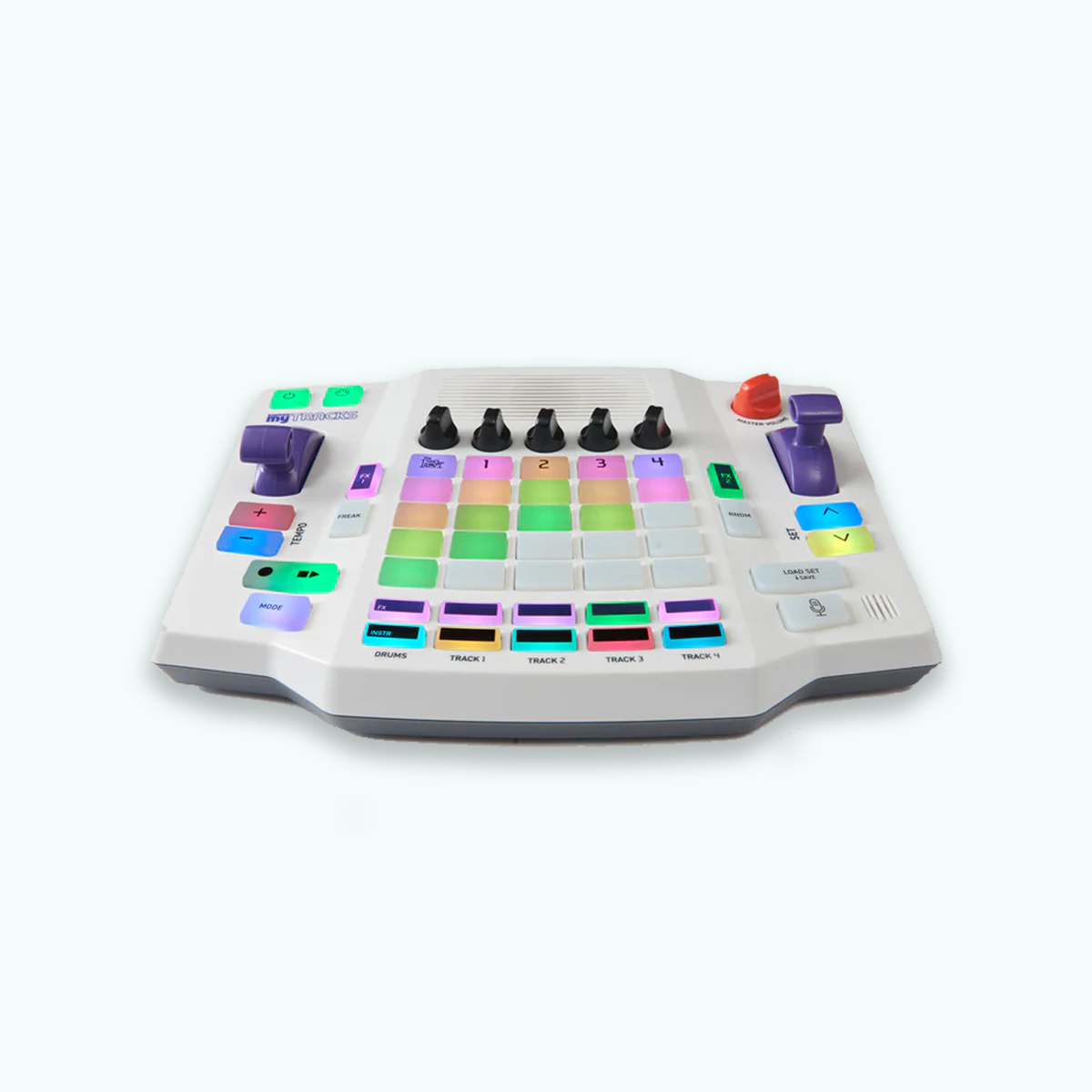


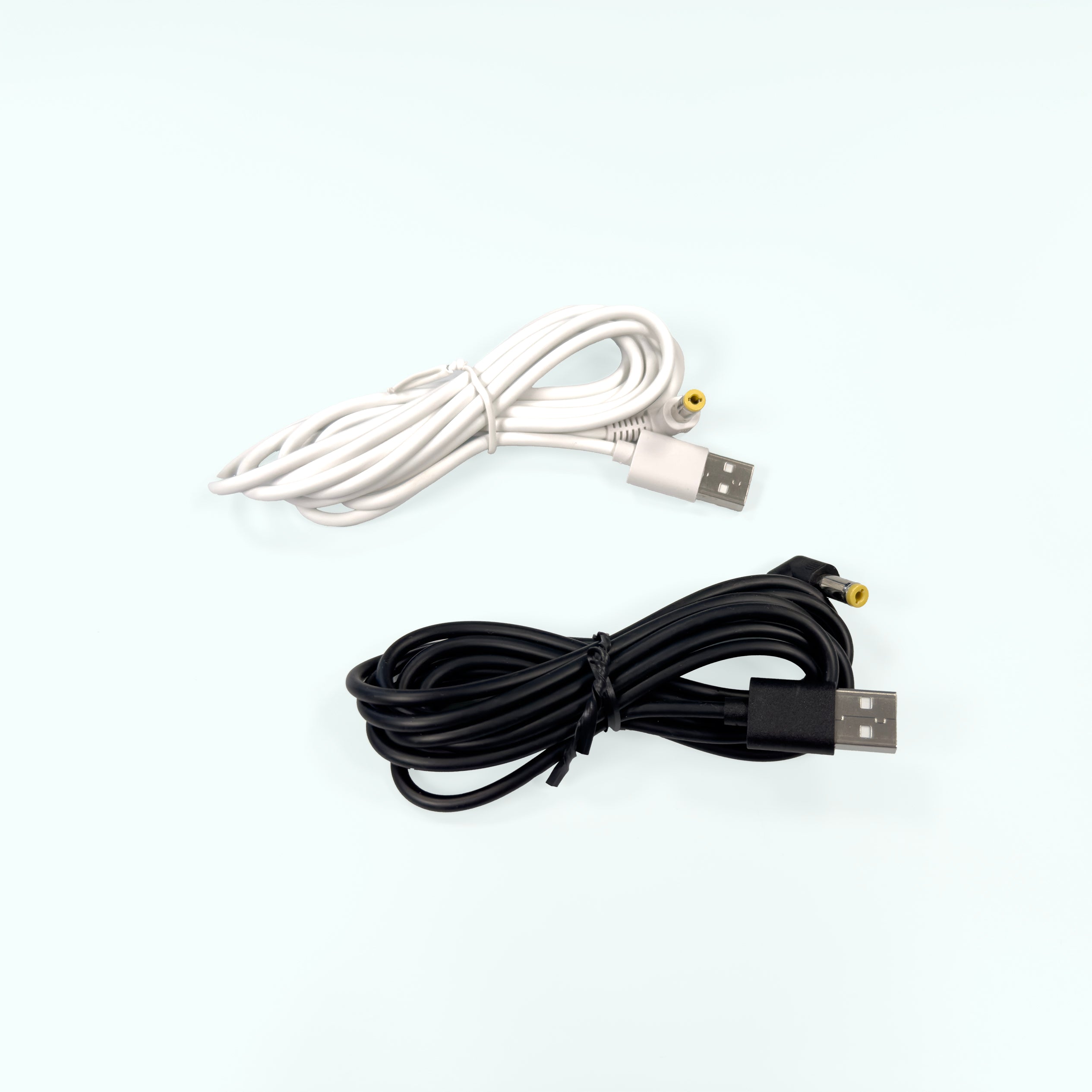

Unlock new sounds and creative possibilities for your Blipblox myTRACKS. Simply connect your myTRACKS to a Mac or Windows PC with the included USB cable and upload new content. myTRACKS upgrades requires Google Chrome.
Connect your myTRACKS to your computer via USB.
Browse Instrument Packs and Set Collections below.
Follow the upload instructions on that individual pack’s page.
Instrument Packs
Upgrade the instruments available on all tracks using the INSTR buttons. Each pack installs up to 48 instruments or sounds, which may include voices, ambient sounds, or sound effects. Note that Instrument upgrades replace existing Instruments on your myTRACKS.
Set Collections
Change the loops when you press Play on myTRACKS. Each collection installs up to 17 Sets, each with 20 melody loops and 5 drum loops. Installing a Set Collection will replace any existing Sets, including ones you've created.
Upgrade the sounds available on all tracks.

Bass lines, drums, and vocal cuts inspired by hip-hop.

Fresh synth-pop–inspired soundscapes.

Acoustic and orchestral instruments.

Full electronic sound design pack.

Original instruments from early firmware.

A sleek mix of strings, brass, guitars, and synths. Default pack on all new myTRACKS

Driver 405 (aka DJ Roy LaCroix / Ryan Roth) delivers fast, thumpy synth grooves with squishy, fat bass and a driving edge.

Experience drums on a whole new level.

A playful pack of retro game sounds.
Add new loops and sequences to your myTRACKS.
This Constructor Set is designed for myTRACKS users who want to create their own sequences and drum loops from scratch. All sequences are blank, so pressing "PLAY" or "RNDM" will not do anything until new clips are user-produced and saved.
Upload Now
Your cart is currently empty.